The manual
A walkthrough of every screen in the Walis admin interface, in the order the sidebar presents them. Each page shows the screen, then explains what each control does and what it costs you to get wrong.
If you are looking for a list of capabilities rather than instructions, read the feature list. If you have not installed Walis yet, start with Getting started.
Workspace
| Screen | What it is for |
|---|---|
| Dashboard | The state of the machine at a glance. |
| Jobs | Creating and editing what gets built. |
| Build history | What ran, what it printed, what it produced. |
| Schedules | Cron triggers and what fires next. |
Resources
| Screen | What it is for |
|---|---|
| Runners | The local runner and any remote agents. |
| Environment variables | Values injected into every build, secrets included. |
| Notifications | Where build results go. |
| Plugins | Installing and reading third-party actions. |
System
| Screen | What it is for |
|---|---|
| Security center | Posture checks, privileged inventory, lockout management and audit. |
| AI assistant | Providers, models and the call log. |
| Accounts | People, roles, one-time passwords, API keys. |
| Settings | General, build, backup, security and audit. |
| Backup and restore | Scheduled encrypted backups and getting data back. |
| Localization | Interface language and the translation editor. |
Signing in
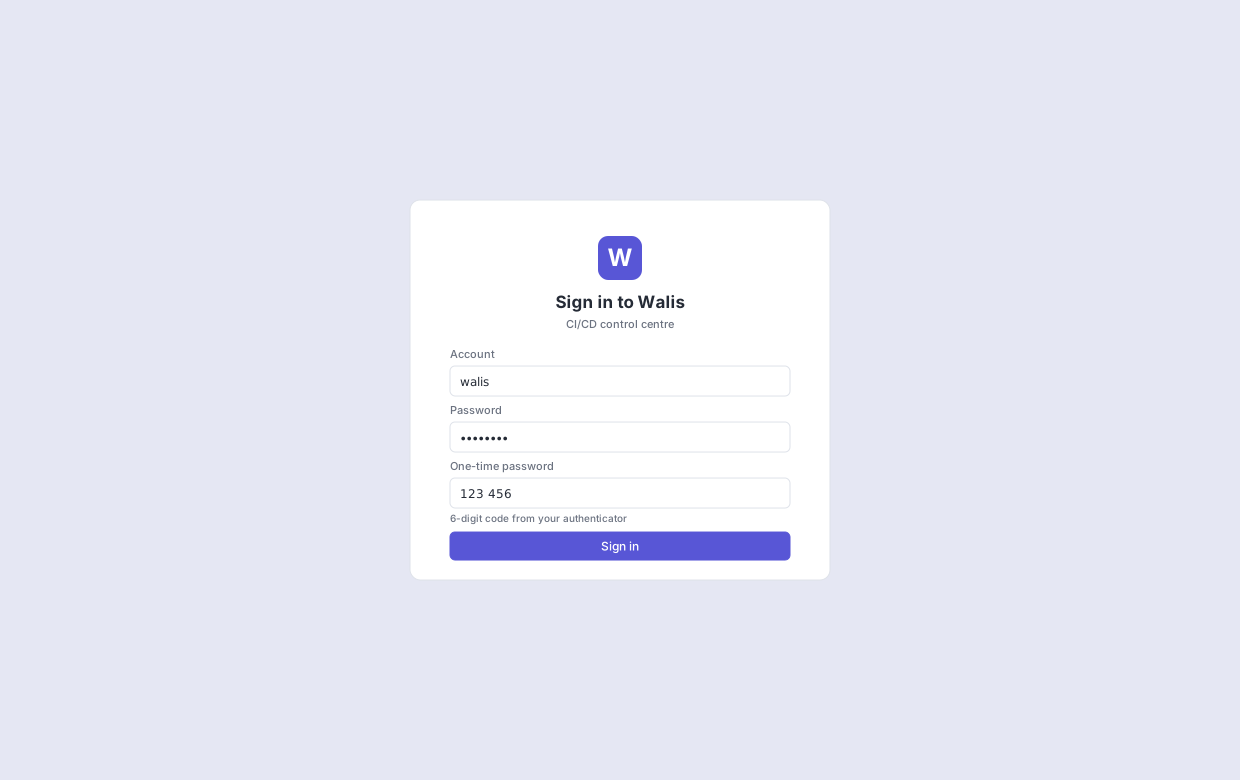
Sign-in is off by default. With it off, everyone reaching the interface is treated as an administrator — which is the right default for a machine only you can reach, and the wrong one the moment it is exposed.
Turn it on in Settings → Security, and note the ordering constraint: you must create an administrator account before enabling sign-in, and Walis will not let you delete the last remaining account.
The one-time password field appears only for accounts that have TOTP enrolled. If the security setting requires OTP for all accounts, an account that has not yet enrolled can still sign in, but cannot turn OTP off afterwards.